Team rules
Block Done until criteria are met
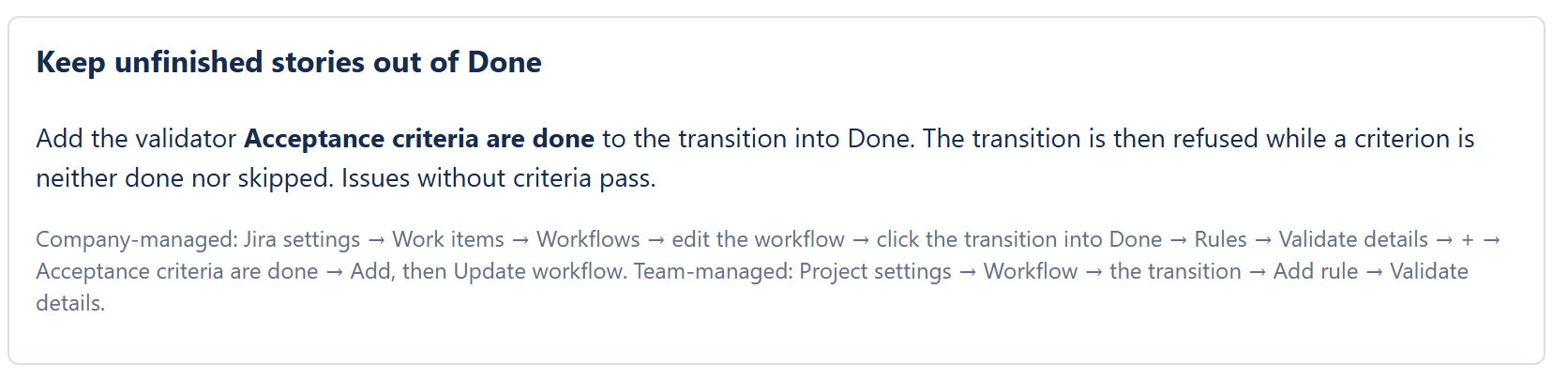
With one validator on the transition into Done, an issue can only be closed when every criterion is done or skipped.
How it behaves
- The transition is refused while at least one criterion is still to do. Jira shows the message Finish or skip every acceptance criterion first (FeatureBridge Lite).
- Skipped criteria count as finished.
- Issues without criteria pass, so the rule never blocks work that has no checklist.
- The rule also applies when an issue is moved through Jira's REST API, for example by an integration.
Add it to a company-managed workflow
As a Jira administrator, open Settings (gear icon) → Work items → Workflows and click Edit next to the workflow.
Not sure which workflow? Open the project's Project settings → Work types; each type names its workflow.
Click the transition into Done (in a simplified workflow it is the “Any status → Done” arrow).
If several transitions lead to Done, add the rule to each of them.
In the panel on the right, under Rules, click + next to Validate details.
Choose Acceptance criteria are done (FeatureBridge Lite), then Add.
The rule has no settings.
Click Update workflow.
Jira applies the change to the workflow; the rule works on the next transition.
Team-managed projects
Open Project settings → Workflow, click the transition into Done, then Add rule and the same validator under the rules that validate details. The validator is offered for team-managed projects too; we have tested it on company-managed workflows.
The same steps in the app settings
The app's settings page has a short version of these steps, for whoever sets up Jira.
Find what slipped through earlier
Issues closed before you added the rule may still have open criteria: acceptanceCriteriaOpen > 0 AND statusCategory = Done lists them. See Find issues with JQL.