
Use Revenue Impact
Settings
Jira administrators find them in Apps → Manage apps → Revenue Impact → Configure.
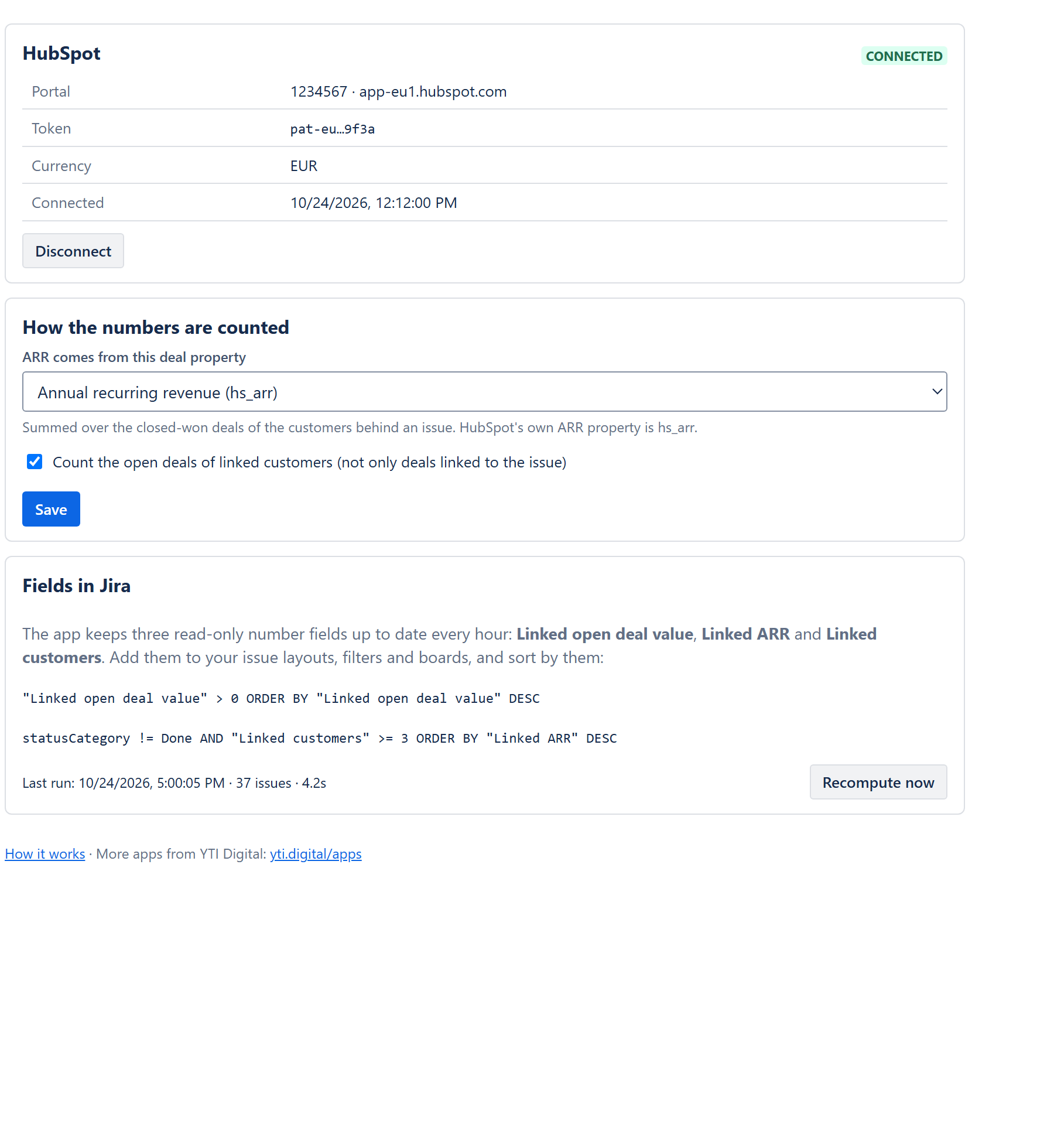
| Setting | What it does |
|---|---|
| HubSpot | Shows the connected portal, the currency and a masked hint of the key. Disconnect deletes the key; links on issues are kept and numbers stop updating until you connect again. |
| ARR comes from this deal property | The deal property summed for ARR over closed-won deals. Default hs_arr; any number property can be chosen. See how the numbers are counted. |
| Count the open deals of linked customers | On: open deal value includes every open deal of the customers behind the issue. Off: only deals linked to the issue directly. |
| Recompute now | Recomputes all linked issues right away (it also runs every hour). The last run shows its time, the number of issues and any error. |
Saving the settings starts a recompute, so the fields follow the new rules within a minute.