
Use it
Sorting the issues
Place every issue in the column you think it belongs to, compared with the others.
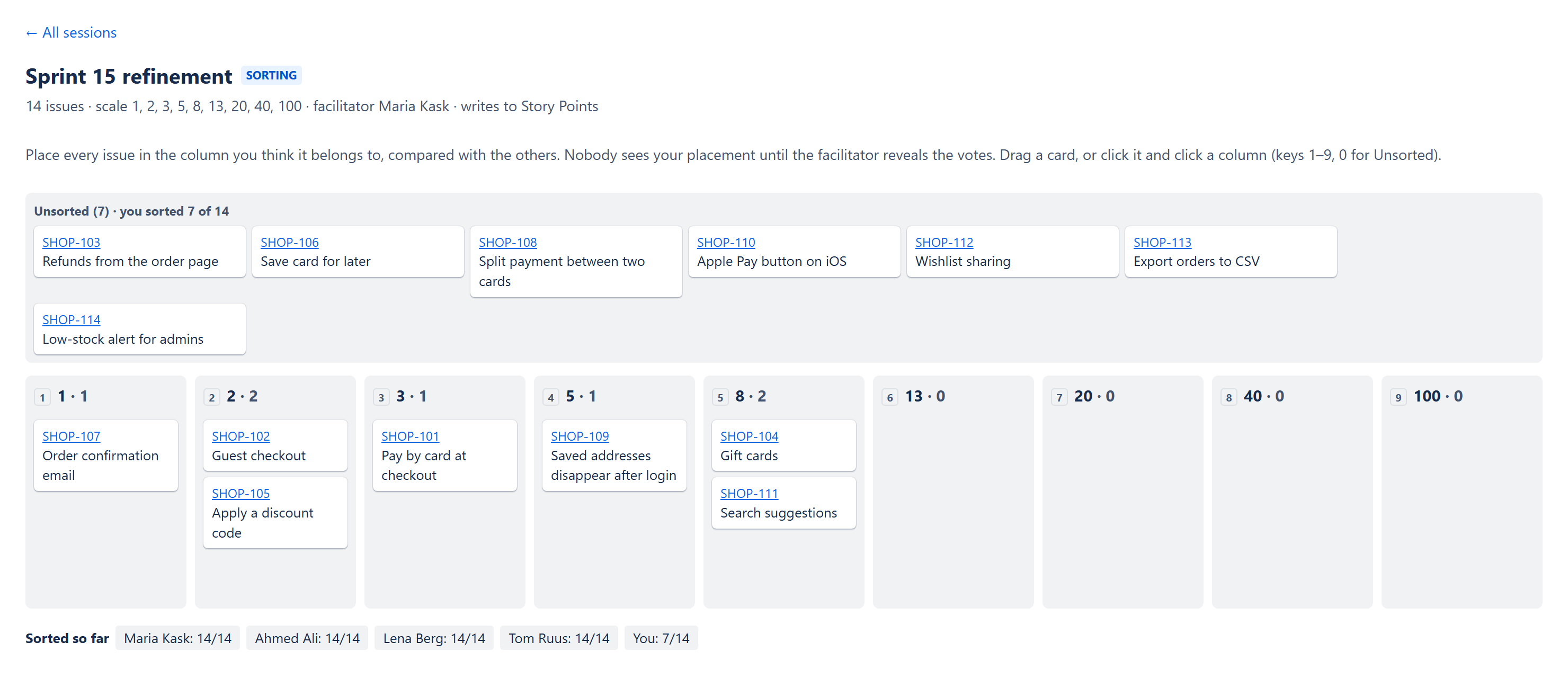
Three ways to place an issue
| How | What to do |
|---|---|
| Drag | Drag a card into a column, or back to Unsorted. |
| Click | Click a card to select it, then click a column. |
| Keyboard | Select a card, then press 1–9 for the first nine columns or 0 to move it back to Unsorted. Esc clears the selection. |
What others see
- Nobody, including the facilitator, sees where you put an issue until the votes are revealed.
- Everyone sees how many issues each person has sorted, under Sorted so far.
- You can move cards as often as you like until the reveal.
Click an issue key to open the issue in Jira, for example to read its description.
Hidden issues
Each person sees only the issues Jira lets them open. If some are hidden from you, the page says how many.