
Use the gadget
Trends and comparisons
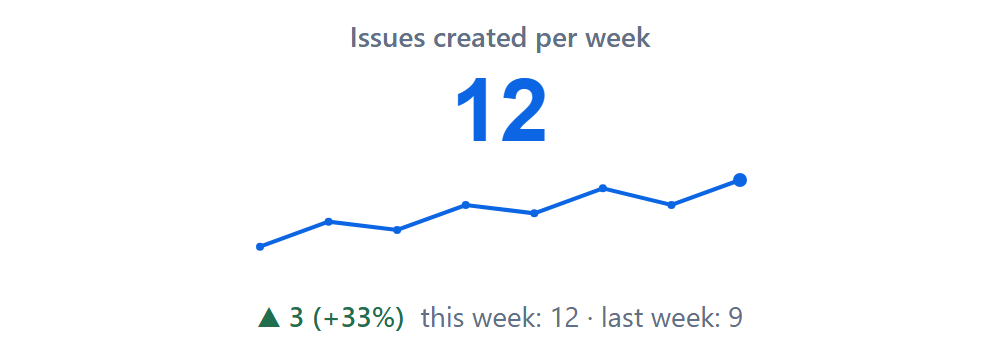
Split your JQL into weeks or months by a date field and see the direction at a glance.
How periods are counted
For each period the gadget adds a date window to your query. For weeks and the Created field, the current week and the one before are:
JQL per period
(your JQL) AND created >= startOfWeek() AND created < startOfWeek(1)
(your JQL) AND created >= startOfWeek(-1) AND created < startOfWeek()
Weeks follow your Jira site's first day of the week. The current period counts what has happened so far.
Is the change good news?
The arrow and the colour depend on Better when: more resolved issues is green, more open bugs is red. Without a previous value (zero last period) the percentage is left out.