
Get started
Add the gadget
About two minutes. Anyone who can edit a dashboard can add it once a Jira administrator has installed the app.
Install
A Jira administrator installs YTI KPI Gadget from the Atlassian Marketplace (Apps → Explore more apps). It is free.
Add it to a dashboard
Open a dashboard and click Edit, then Add gadget.
Find KPI Number, Gauge & Trend and click Add.
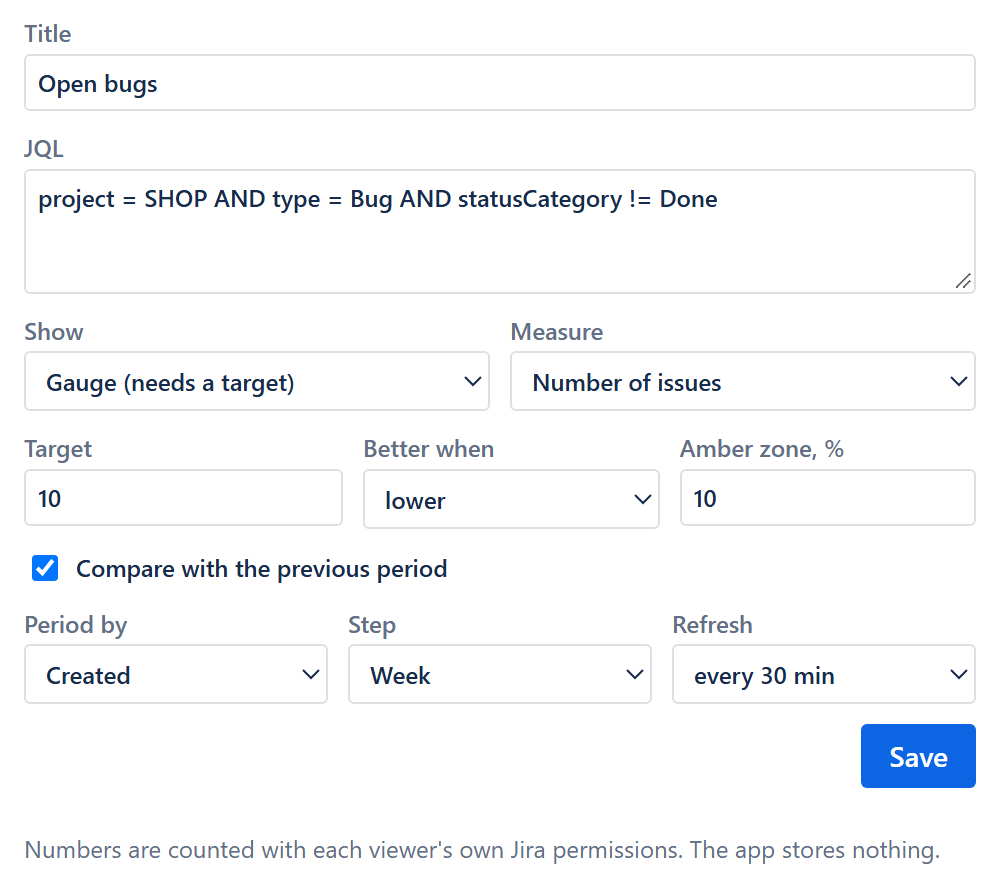
Enter a title and a JQL query, for example: project = SHOP AND statusCategory != Done.
Choose how to show it (Number, Gauge or Trend), optionally a target, and click Save.
The JQL is checked when you save. If Jira cannot read it, the form shows Jira's message and nothing is saved.
Click the big number to open the matching issues in Jira search.