
Use the gadget
Targets and zones
With a target the number is coloured, and the gauge shows how far you are from it.
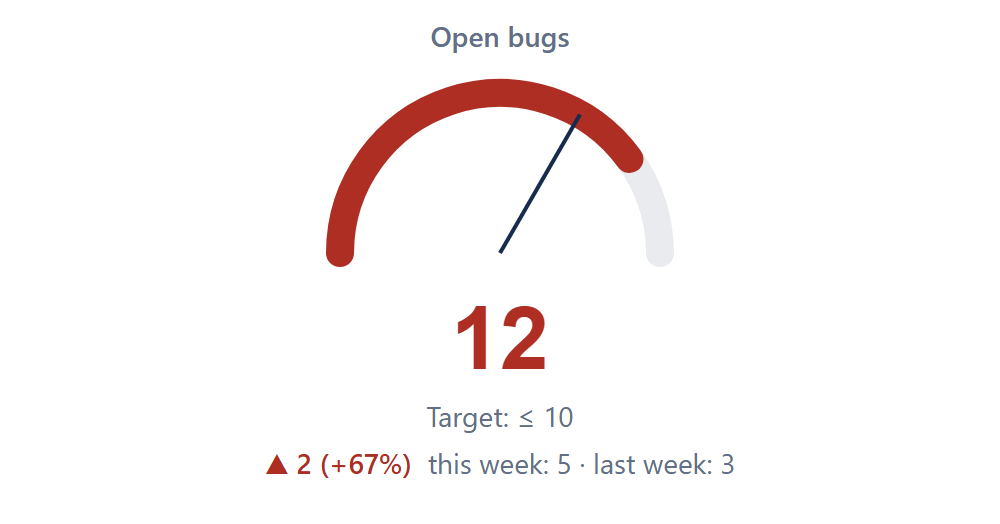
How the colour is chosen
- Higher is better (for example, issues resolved this week): green at or above the target, amber within the amber zone below it, red further below.
- Lower is better (for example, open bugs): green at or below the target, amber within the amber zone above it, red further above.
The amber zone is a percentage of the target. With a target of 10 and 10%, amber is anything above 10 up to 11 for "lower is better", and 12 is red.

The gauge
The gauge runs from 0 to one and a half times the target, so you can still see how far you are past it. The thin line marks the target.
No target?
Without a target the number is shown in blue and the gauge is not drawn. Number and Trend work without a target.